Most t-shirt designs fail before a single customer sees them. Not because the art is bad. Because the seller treated graphic design for t-shirts like any other design project.
It's not.
T-shirt graphic design operates under constraints that wall art, logos, and social media graphics never face. Your canvas moves. It wrinkles. It gets viewed from 10 feet away in a thumbnail and 2 feet away in person. The print method dictates your color count. The marketplace algorithm decides if anyone ever finds it.
We've helped thousands of POD sellers through Merch Titans and the pattern is clear: sellers who learn t-shirt-specific design principles outsell "better" artists 3 to 1.
What Is Graphic Design for T-Shirts?
Graphic design for t-shirts is a specialized subset of graphic design focused entirely on wearable merchandise. It combines typography, illustration, color theory, and layout, but filters every decision through one question: will this look good printed on fabric and sell to a specific audience?
The critical difference from general graphic design is the output context. A website banner lives on a screen. A t-shirt design lives on a moving human body, gets photographed on a flat mockup, shrinks to a 200px thumbnail, and competes against millions of other listings.
This guide covers the t shirt design principles that actually matter for print on demand sellers. Not abstract theory. Practical rules backed by what we see working across thousands of successful listings every month.
Typography Rules That Sell (Not Just Look Pretty)
Typography makes or breaks t-shirt graphic design. We estimate that 70% of top-selling POD designs are primarily text-based, yet most sellers pick fonts the way they pick Netflix shows: whatever catches their eye first.
Here are the rules that separate profitable text designs from forgettable ones:
The 10-foot test. If someone can't read your design from 10 feet away, it won't work as a thumbnail either. Set your design as your phone wallpaper, place your phone across the room, and squint. Still readable? Good.
Two fonts maximum. One display font for the headline, one clean font for supporting text. Three fonts on a t-shirt looks like a ransom note. Our team has reviewed over 50,000 designs through our free tools, and the best sellers almost always stick to one or two typefaces.
Hierarchy through size, not variety. Make the primary message 3x larger than secondary text. Don't rely on different fonts or colors to create hierarchy. Size does the heavy lifting on fabric.
Kerning matters more on shirts than screens. Letters that look fine on your monitor can blur together when printed with DTG or screen printing. Always add 5-10% extra letter spacing for any design headed to production.
If you're building text-heavy designs, check our guide on how to design t-shirts for print on demand for specific templates and workflows.
Color Theory for T-Shirts (It's Not What You Think)
Here's our contrarian take: color theory courses are mostly useless for t-shirt sellers.
Traditional color theory teaches you about complementary palettes, split-complementary schemes, and triadic harmonies. That's great for branding agencies. For POD sellers, the rules are simpler and more brutal.
Rule 1: Design for the shirt color, not the screen. White designs on dark shirts and dark designs on light shirts account for the vast majority of sales. Always pick your shirt color first, then design.
Rule 2: Every color costs money. Screen printing charges per color. DTG handles more colors but lighter tones can look washed out. Limiting yourself to 3-4 colors isn't a creative constraint. It's a business decision.
Rule 3: Test your palette on black AND white backgrounds. Most POD platforms offer both. If your design only works on one, you're cutting your addressable market in half.
One trick we use internally: pull color palettes from the Coolors generator, but limit yourself to 3 swatches. Constraints breed creativity. The Adobe Color Wheel is another free resource worth bookmarking.
Want to do this yourself? Merch Titans automates the entire process.
How to Design Graphics for T-Shirts That Actually Convert
Knowing design principles is step one. Applying them to designs that generate revenue is the real game. Here's our process for how to design graphics for t shirts that convert browsers into buyers.
Step 1: Research before you design. Use our Amazon keyword research tool to find niches with high demand and low competition. The best design in the world earns zero dollars if nobody searches for the keyword.
Step 2: Study the top 10 results. Search your target keyword on Amazon Merch or Redbubble. Screenshot the top 10 results. What colors dominate? What style (text, illustration, combo)? Now make something that fits the niche but stands apart visually.
Step 3: Design at 4500x5400 pixels. This is the standard for most POD platforms. Use transparent backgrounds. Export as PNG. According to Amazon's content policy, files must be at least 15" wide at 300 DPI.
Step 4: Mock it up before listing. Never list a design without seeing it on a shirt mockup. What looked amazing on your Illustrator artboard might look tiny, off-center, or cluttered on an actual garment.
Step 5: Create 3-5 variations. Different color schemes, layout tweaks, slight wording changes. More variations mean more keyword coverage and more chances to find what resonates with buyers.
The Tool Stack: Comparing Design Approaches for POD
Not all design methods are equal. Here's how the major approaches stack up for t shirt graphic design at scale.
The math speaks for itself. At $29.99/mo with Merch Titans annual pricing, you can generate hundreds of designs. A freelancer charging $25/design gives you exactly one design for nearly the same cost.
For a deeper breakdown of AI options, read our guide on the best AI tools for print on demand designs.
Merch Titans Automation
Generate Print-Ready T-Shirt Designs in Seconds
MyDesigns creates marketplace-optimized graphics with transparent backgrounds. No design skills needed.
14-day money-back guarantee · No contracts · Cancel anytime
Layout and Composition: The Invisible Sales Driver
Most graphic tee design tips focus on what's in the design. Few address where elements sit relative to each other. Layout is the invisible force that makes a design feel "professional" or "amateur," and buyers sense the difference instantly even if they can't articulate it.
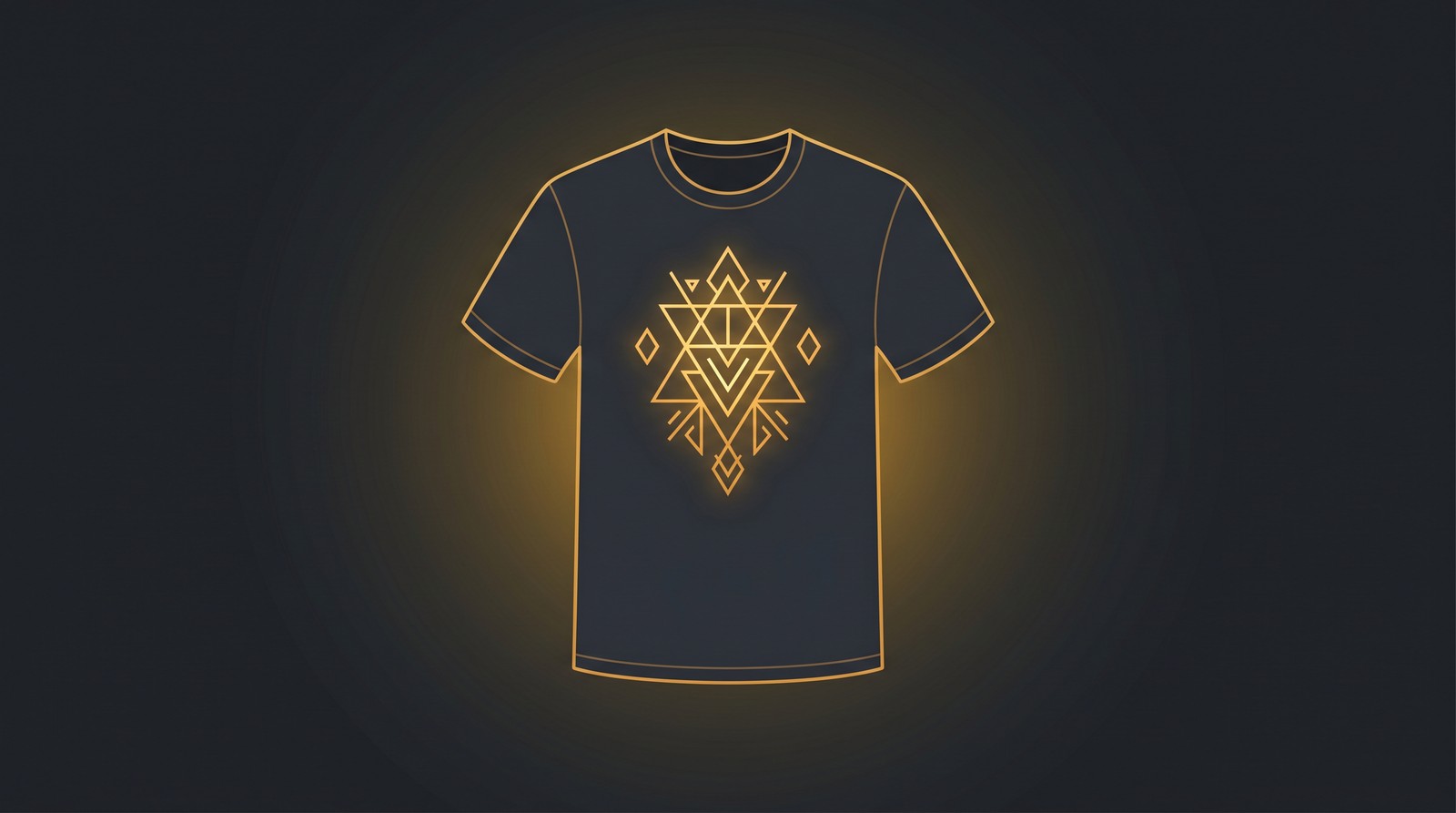
Center-weighted compositions dominate POD. Unlike poster design where asymmetry creates visual interest, t-shirt designs almost always perform better centered. The garment itself is symmetrical. Fighting that symmetry creates visual tension that reads as "off" to buyers.
Leave breathing room. Your design should occupy about 60-70% of the printable area. Filling edge to edge looks cramped in mockups and overwhelming in person. According to Printful's design guidelines, maintaining at least 1 inch of margin from print edges prevents cut-off during production.
Stack, don't spread. Vertical stacking (headline on top, graphic in middle, tagline on bottom) is the most reliable layout for POD. It reads naturally top-to-bottom and scales cleanly across different garment sizes.
Aspect ratio awareness. The standard print area is roughly 4:5 (portrait). Design within this ratio from the start. Landscape-oriented designs get shrunk to fit, killing detail and impact.
The Contrarian Truth: You Don't Need to Be a Designer
Here's what the design community won't tell you: the top-earning POD sellers on Amazon Merch are not the best designers. They're the best researchers and the fastest executors.
We've analyzed accounts generating $10,000+/month. Their designs are clean, simple, and niche-targeted. Not award-winning. Not portfolio pieces. Functional graphics that match what a specific audience wants to wear.
The skill that matters most isn't Photoshop proficiency. It's niche selection. A mediocre design in a hungry niche outsells a masterpiece in a saturated one every single time.
This is exactly why AI design tools have shifted the game. Platforms like MyDesigns let sellers focus on what actually drives revenue (research, niche selection, keyword optimization) while handling the graphic creation automatically.
Read our complete guide on AI-generated t-shirt designs to see how sellers are building 6-figure catalogs without touching Photoshop.
Want to do this yourself? Merch Titans automates the entire process.
File Preparation: Getting Print-Ready Right
A beautiful design that fails at the production stage is worth nothing. File preparation is where amateur sellers lose money to rejected uploads, blurry prints, and wasted ad spend on products that look terrible in person.
Here's the technical checklist every design needs before upload:
Resolution: 300 DPI minimum at print size. For Amazon Merch, that's 4500x5400 pixels. For Redbubble, check their specific requirements per product type.
File format: PNG with transparent background. Always. JPEG backgrounds print as visible rectangles on colored shirts. This is the single most common beginner mistake.
Color mode: RGB for DTG printing (most POD). CMYK for screen printing. The Pantone color system is the universal reference if you need exact color matching.
File size: Keep under 25MB for most platforms. Compress with tools like TinyPNG if needed, but never sacrifice resolution.
Bleed and safety zone: Keep critical elements at least 0.25 inches from all edges. Different garment sizes print at slightly different scales, and edge elements get cropped first.
For sellers using Canva, our Canva print on demand designs guide walks through export settings step by step.
Building a Scalable Design Workflow
Individual design skills matter. But graphic design for t shirts at scale requires a system, not just talent.
Batch by niche, not by task. Don't research 10 niches, then design 10 graphics, then upload 10 listings. Research one niche deeply, create 5-10 variations, upload them all, then move to the next niche. Context switching kills productivity.
Template everything possible. Build 5-10 layout templates that work. Swap colors, fonts, and copy. A template-driven approach lets you produce 50 designs in the time it takes to create 5 from scratch.
Automate the boring parts. Uploading, titling, tagging, and bullet points eat more time than designing. Merch Titans' automation tools handle bulk uploads and listing optimization so you spend time on creative work, not data entry.
Track what sells. Review your sales data weekly. Double down on winning niches and design styles. Kill what isn't working after 90 days. The sellers who scale fastest aren't the most creative. They're the most disciplined about following their data.
Here's what a productive daily workflow looks like:
- 30 minutes: Keyword research using Merch Titans tools
- 60 minutes: Design creation (AI-assisted for speed)
- 30 minutes: Listing optimization and upload
- 15 minutes: Sales review and niche adjustments
That's 2 hours and 15 minutes producing 10-20 new listings daily. At 200+ active listings, consistent sales follow.
Merch Titans Automation
Scale Your T-Shirt Design Business
From keyword research to bulk uploads, Merch Titans gives you every tool to build a profitable POD catalog. Plans start at $29.99/mo.
14-day money-back guarantee · No contracts · Cancel anytime
Frequently Asked Questions
What software is best for t-shirt graphic design?
Adobe Illustrator remains the industry standard for vector-based t-shirt graphic design because it produces infinitely scalable files. However, AI-powered platforms like MyDesigns now generate print-ready designs in seconds, making them the fastest option for POD sellers who need volume without sacrificing quality.
What resolution should t-shirt graphics be?
T-shirt graphics should be at least 300 DPI at the final print size, which typically means 4500x5400 pixels for a standard front print area. Going below 200 DPI results in visible pixelation, especially on lighter colored shirts where print imperfections stand out more.
How do you make t-shirt designs that actually sell?
Designs that sell consistently follow three rules: they target a specific niche audience, use no more than 3-4 colors, and communicate their message within 3 seconds of viewing. Keyword research before designing is the most overlooked step that separates profitable sellers from hobbyists.
Can you use AI for t-shirt graphic design?
AI tools produce commercial-quality t-shirt designs that compete with and often outperform manually created graphics. Platforms like MyDesigns generate print-ready, transparent-background designs specifically optimized for POD marketplaces, cutting design time from hours to seconds.
What are the most common t-shirt design mistakes?
The biggest mistake is using too many colors, which increases print costs and reduces visual impact. Other frequent errors include choosing decorative fonts unreadable at arm's length, ignoring the shirt color when selecting design colors, and skipping keyword research to validate demand before designing.
Your next design will either sell or sit. The difference isn't talent. It's process. Start with research, keep it simple, and let the data tell you what works.
Stop Uploading Manually. Start Scaling.
Join 150,000+ sellers using Merch Titans Automation. Upload 100 designs in under an hour with AI-powered SEO and a built-in trademark engine that keeps your account safe.
Get Started Today →14-day money-back guarantee · Used by 150,000+ sellers since 2018
Frequently Asked Questions
What software is best for t-shirt graphic design?
Adobe Illustrator remains the industry standard for vector-based t-shirt graphic design because it produces infinitely scalable files. However, AI-powered platforms like MyDesigns now generate print-ready designs in seconds, making them the fastest option for POD sellers who need volume without sacrificing quality.
What resolution should t-shirt graphics be?
T-shirt graphics should be at least 300 DPI at the final print size, which typically means 4500x5400 pixels for a standard front print area. Going below 200 DPI results in visible pixelation, especially on lighter colored shirts where print imperfections stand out more.
How do you make t-shirt designs that actually sell?
Designs that sell consistently follow three rules: they target a specific niche audience, use no more than 3-4 colors, and communicate their message within 3 seconds of viewing. Keyword research before designing is the most overlooked step that separates profitable sellers from hobbyists.
Can you use AI for t-shirt graphic design?
AI tools produce commercial-quality t-shirt designs that compete with and often outperform manually created graphics. Platforms like MyDesigns generate print-ready, transparent-background designs specifically optimized for POD marketplaces, cutting design time from hours to seconds.
What are the most common t-shirt design mistakes?
The biggest mistake is using too many colors, which increases print costs and reduces visual impact. Other frequent errors include choosing decorative fonts that are unreadable at arm's length, ignoring the shirt color when selecting design colors, and skipping keyword research to validate demand before designing.