Redbubble has over 700,000 independent artists and an audience of millions of buyers. That sounds like an incredible opportunity. For most sellers, though, the reality looks like this: 50 designs uploaded, zero sales after three months, account abandoned.
The problem isn't Redbubble. The problem is that most sellers approach it like a lottery ticket instead of a business. Upload some designs, hope for the best, and wonder why nothing happens.
Here's what actually works.
Setting Up Your Redbubble Account for Success
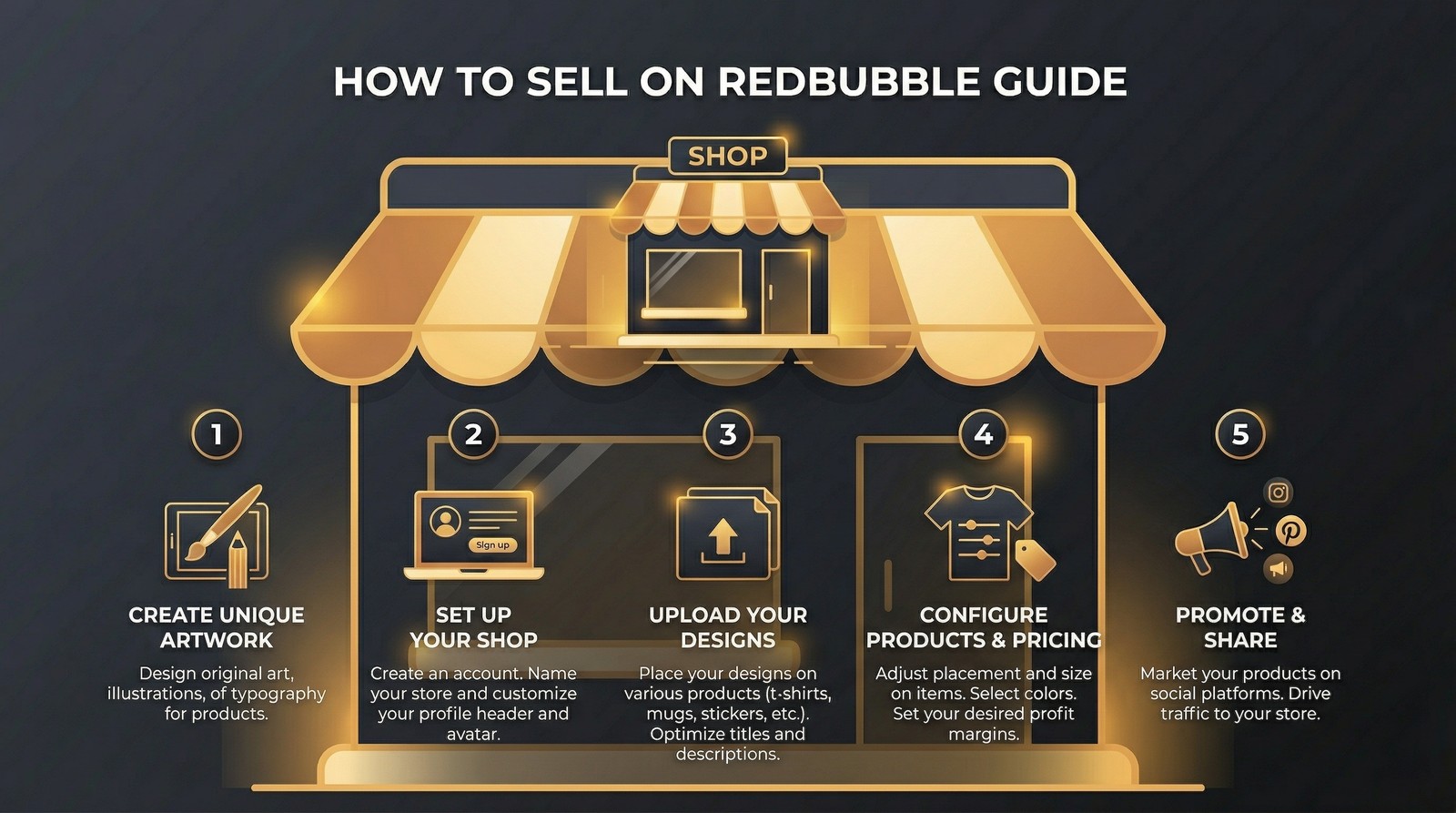
Creating a Redbubble artist account takes five minutes. Setting it up correctly takes a bit longer but determines your long-term success.
Step 1: Create Your Artist Account
Go to Redbubble.com and sign up as an artist. You'll need:
- Email address
- Username (this becomes your shop URL - choose carefully)
- Payment information (PayPal or bank transfer)
Username tip: Choose something memorable and brandable. Avoid random numbers or generic names. Your username appears in your shop URL: redbubble.com/people/[username].
Step 2: Complete Your Profile
- Write a bio that explains what your shop offers and who it's for
- Add a profile picture or logo
- Include links to your other platforms and social media
- Set up your shop banner with your brand aesthetic
Step 3: Configure Payment Settings
Redbubble pays monthly when your balance exceeds $20. You can choose:
- PayPal (fastest, available worldwide)
- Bank transfer (slower but no PayPal fees)
How Redbubble Pricing Works (The Margin Math)
Redbubble sets a base price for every product. You add a markup percentage. That markup is your profit.
Example with a standard t-shirt:
- Redbubble base price: $17.76
- Default markup: 20%
- Customer pays: $21.31
- Your profit: $3.55
With a higher markup (35%):
- Customer pays: $23.98
- Your profit: $6.22
Most sellers leave the default 20% markup. This is a mistake.
The Markup Strategy That Works
- Stickers: 50-80% markup (buyers are less price sensitive on small items)
- T-shirts: 25-35% markup (competitive market, stay reasonable)
- Phone cases: 30-40% markup (good perceived value)
- Mugs: 20-30% markup (price-sensitive category)
- Wall art/posters: 40-60% markup (higher perceived value)
Adjust by niche. Professional/hobby niches tolerate higher markups than trend-driven designs.
Want to do this yourself? Merch Titans automates the entire process.
Designing for Redbubble: What Actually Sells
The Sticker Strategy
Stickers are Redbubble's best-selling product category. They're cheap, impulse-friendly, and perfect for collecting. Every design you upload should be sticker-enabled.
What makes a sticker sell:
- Clear, recognizable imagery at small sizes
- Bold outlines and high contrast colors
- Clever wordplay or niche references
- Minimalist designs that work on laptops, water bottles, and notebooks
The Niche Targeting Formula
Broad designs ("cool sunset") compete with millions of listings. Niche designs ("software engineer cat" or "beekeeping dad humor") compete with dozens.
The formula: [Hobby/Profession] + [Style/Humor Type] + [Audience Modifier]
Examples:
- "Mechanical keyboard enthusiast vintage badge"
- "Plant mom introvert humor minimalist"
- "DnD dungeon master retro poster"
Use keyword research tools to validate demand before designing. A niche with zero search volume isn't profitable no matter how clever the design.
Design Specifications
| Product | Minimum Size | Recommended |
|---|---|---|
| T-shirts | 2400 x 3200 px | 4500 x 5400 px |
| Stickers | 1000 x 1000 px | 2000 x 2000 px |
| Phone cases | 1300 x 2000 px | 2600 x 4000 px |
| Posters | 3500 x 5000 px | 6000 x 8000 px |
Upload at the highest resolution possible. Redbubble scales down but can't scale up. One high-resolution source file works across all product types.
Redbubble SEO: How to Actually Get Found
Redbubble's search algorithm is tag-based. Your tags determine whether buyers find your designs. Get this wrong and your best design sits at zero views forever.
The 15-Tag Framework
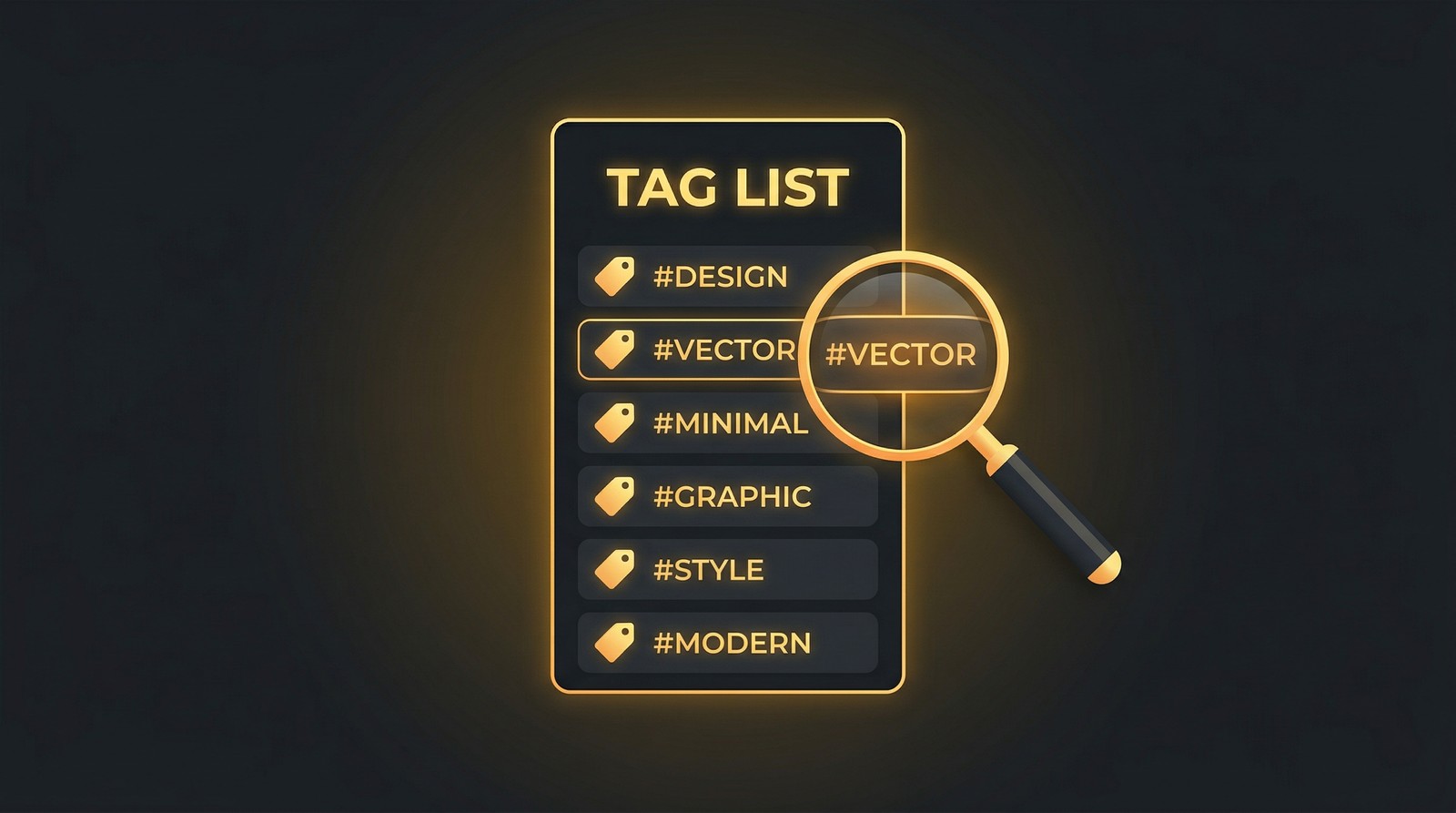
Redbubble gives you 15 tags per design. Use all of them. Here's how to structure them:
Tags 1-3: Primary keywords (exact match what a buyer would search)
- "mechanical keyboard sticker"
- "keyboard enthusiast"
- "tech sticker"
Tags 4-7: Niche-specific terms
- "mechanical switch"
- "keycap collector"
- "custom keyboard"
- "60 percent keyboard"
Tags 8-11: Style and aesthetic descriptors
- "minimalist tech"
- "retro computing"
- "vintage badge"
- "clean design"
Tags 12-15: Broader category tags
- "tech gift"
- "programmer humor"
- "computer nerd"
- "geek sticker"
Tag Research Methods
- Redbubble autocomplete - Start typing in Redbubble's search bar and note suggestions
- Competitor analysis - Look at tags on top-selling designs in your niche
- Cross-platform research - Use Etsy keyword tools and Amazon keyword tools for related terms
- Google Trends - Validate trending vs dying topics
- RedBubble Tag Generator - Our free tool generates optimized tags based on your design topic
Title and Description Optimization
Title format: [Primary Keyword] - [Secondary Keyword] | [Style/Vibe]
Example: "Mechanical Keyboard Enthusiast - Keycap Collector Badge | Minimalist Tech Sticker"
Description: Write 2-3 sentences that naturally include your target keywords. Describe the design, who it's for, and what products it looks best on. Redbubble indexes descriptions for search.
The Volume Game: Why 500 Designs Is the Minimum
We've analyzed seller earnings data across thousands of Redbubble accounts. The pattern is clear:
| Design Count | Avg Monthly Earnings |
|---|---|
| 1-50 | $0-20 |
| 50-200 | $20-100 |
| 200-500 | $100-500 |
| 500-1,000 | $500-2,000 |
| 1,000+ | $2,000-10,000+ |
Volume matters because:
- More designs = more search coverage = more traffic
- Each design is a lottery ticket - more tickets, better odds
- Redbubble's algorithm favors shops with consistent upload activity
- Seasonal events and trends randomly boost different designs
This doesn't mean upload garbage. Quality and volume together win. But 50 amazing designs will always lose to 500 good designs on Redbubble.
Research Profitable Niches Before You Design
Merch Titans' keyword research tools show you exactly what buyers are searching for on every major marketplace.
Get Started Today →14-day money-back guarantee · Used by 150,000+ sellers since 2018
Enabling All Product Types (Don't Skip This)
When you upload a design, Redbubble lets you enable it on 70+ product types. Many sellers only enable t-shirts and stickers. This is leaving money on the table.
Always enable:
- Stickers (highest volume seller)
- T-shirts and hoodies (core apparel)
- Phone cases (solid margins)
- Mugs (great gift item)
- Posters and wall art
- Tote bags
- Notebooks and journals
Review before enabling:
- All-over print items (make sure design tiles properly)
- Home decor items (check design placement)
- Kids clothing (only if design is appropriate)
Each enabled product type multiplies your search visibility. One design on 30 product types is 30 chances for a buyer to find and purchase it.
Marketing Your Redbubble Shop Outside Redbubble
Relying solely on Redbubble's internal search is a slow path to growth. External traffic accelerates everything.
Pinterest: Your Best Free Traffic Source
Pinterest users are shoppers. They browse with purchase intent. Pin your designs with:
- Lifestyle mockups showing the product in use
- Keyword-rich descriptions targeting what buyers search
- Links directly to your Redbubble product pages
- Consistent pinning schedule (5-15 pins per day)
Social Media That Converts
- Instagram - Behind-the-scenes design process, finished product photos
- TikTok - "Design with me" videos, niche design reveals, trending audio
- Reddit - Participate genuinely in niche communities (r/stickers, r/MechanicalKeyboards, etc.)
Cross-Platform Selling
Your Redbubble designs shouldn't live only on Redbubble:
- Amazon Merch on Demand - Amazon's massive buyer base with zero listing fees
- Etsy - Handmade marketplace with strong SEO potential
- TeePublic - Redbubble's sister platform (different audience)
- MyDesigns - Sell your designs as digital files for the highest margins
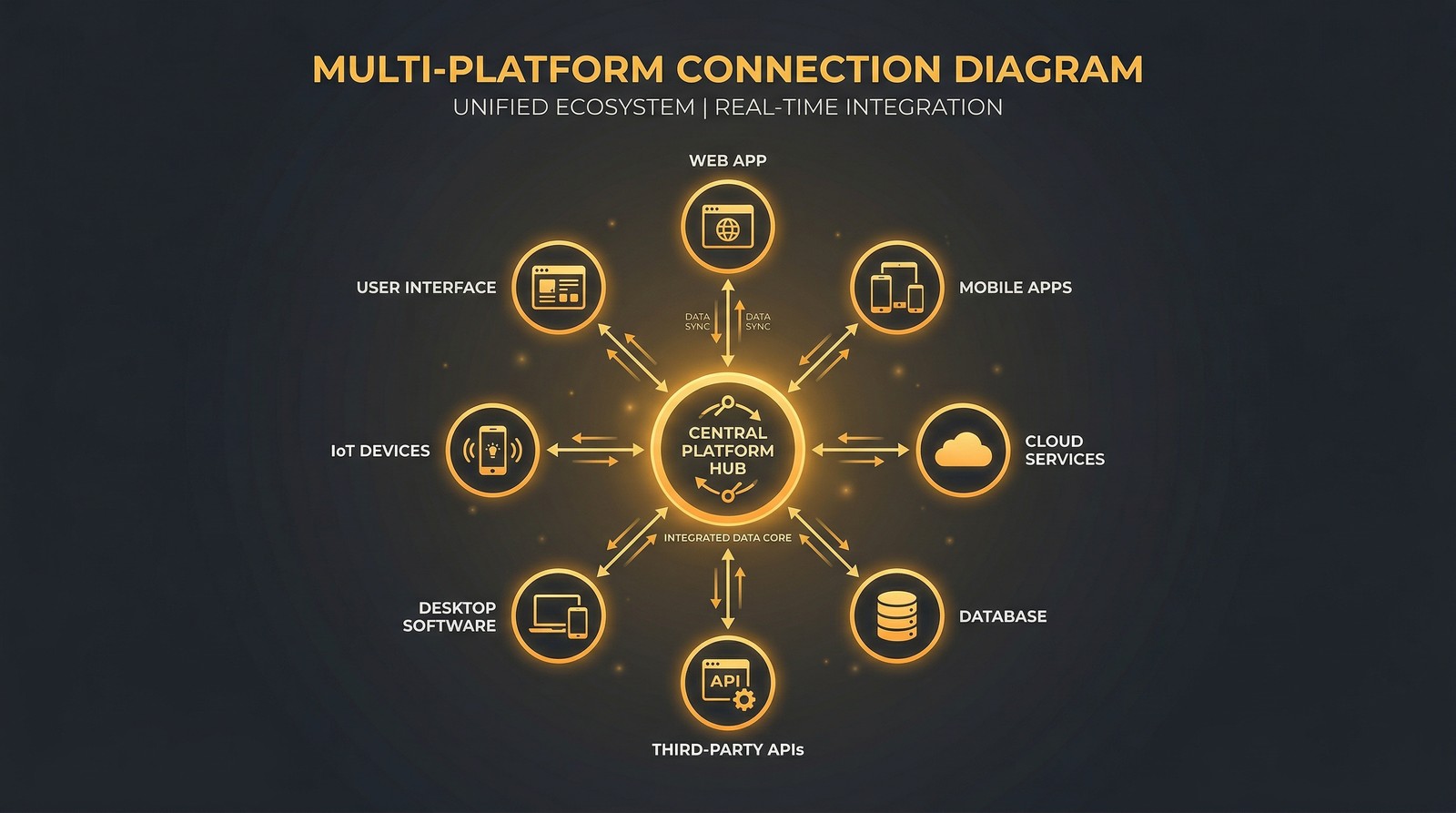
Managing designs across multiple platforms gets complicated fast. This is where automation tools like Merch Titans become essential - handling keyword research, listing optimization, and multi-platform management from one dashboard.
Common Redbubble Mistakes That Cost You Sales
1. Not Using All 15 Tags
Every empty tag slot is a missed search opportunity. Use all 15. Every time.
2. Uploading Without Research
Designing first and hoping it sells is backwards. Research niches, validate demand with keyword tools, then design for proven demand.
3. Setting Margins Too Low
The default 20% markup on a t-shirt earns you $3-4. At that rate, you need thousands of sales to make meaningful income. Raise your markups strategically.
4. Ignoring Analytics
Redbubble provides view and favorite data. Track which designs get traffic, which get favorites, and which actually sell. Double down on winning niches.
5. Only Uploading to One Platform
Redbubble should be ONE channel in your multi-platform strategy. The same designs on Amazon Merch, Etsy, and MyDesigns multiply your revenue from the same creative work.
Your First 90 Days on Redbubble: A Realistic Plan
Month 1 - Foundation (100 designs)
- Research 10 niches using keyword tools
- Create and upload 100 designs (10 per niche)
- Optimize every listing with all 15 tags
- Enable all relevant product types
- Set strategic markup percentages
Month 2 - Optimization (200 designs)
- Upload 100 more designs focused on best-performing niches
- Analyze Month 1 data - which niches got views and sales?
- Start Pinterest marketing (10 pins per day)
- Cross-list top performers on Amazon Merch and Etsy
Month 3 - Scaling (400 designs)
- Upload 200 more designs, heavily weighted toward proven niches
- Optimize underperforming listings based on search data
- Launch social media marketing
- List best designs as digital products on MyDesigns
By the end of 90 days, you should have 400+ designs across multiple niches with data telling you exactly where to focus next.
The Bigger Picture: Redbubble as Part of Your POD Empire
Redbubble is a fantastic starting platform because it's free, easy, and gives you access to millions of buyers. But it shouldn't be your only platform.
The sellers making serious money in POD are the ones who treat each design as an asset that generates revenue across multiple channels. One design on Redbubble, Amazon Merch, Etsy, TeePublic, and MyDesigns is five income streams from a single creative effort.
The workflow challenge of managing all those platforms is exactly why we built Merch Titans. Keyword research, listing optimization, and multi-marketplace tools that let you scale without drowning in spreadsheets.
Merch Titans Automation
Turn Your Designs Into a Multi-Platform Business
Merch Titans gives you the keyword research and listing tools to sell on Amazon, Etsy, Redbubble, and beyond. One dashboard, every marketplace.
14-day money-back guarantee · No contracts · Cancel anytime
The best day to start uploading was six months ago. The second best day is today. Open Redbubble, upload your first 10 designs, and start building.
Frequently Asked Questions
How much money can you make on Redbubble?
Most Redbubble sellers earn under $100 per month. However, sellers with 500+ optimized designs in profitable niches consistently report $500-2,000+ monthly. Top sellers with thousands of designs and strong SEO earn $5,000+ per month.
Is Redbubble free to use?
Yes. Redbubble is completely free to join and use. There are no listing fees, monthly subscriptions, or upfront costs. Redbubble takes a base price per product and you set your markup as profit.
What sells best on Redbubble?
Stickers are the best-selling product on Redbubble by volume, followed by t-shirts, phone cases, and mugs. Niche-specific designs targeting hobbies, professions, and fandoms outperform generic designs significantly.
How do I get more sales on Redbubble?
Focus on three things: volume (500+ designs), SEO (keyword-rich tags and descriptions), and niche targeting (specific audiences over broad appeal). Consistent uploading and seasonal design updates also boost visibility.
Does Redbubble handle shipping?
Yes. Redbubble handles all production, packaging, and shipping. You never touch inventory. When a customer orders, Redbubble prints and ships the product directly. Shipping times are typically 5-15 business days domestically.
Can I sell the same designs on Redbubble and other platforms?
Yes. You retain full rights to your designs. Many successful sellers list the same designs on Redbubble, Amazon Merch, TeePublic, Etsy, and other platforms simultaneously to maximize exposure and revenue.