
Getting an Amazon Merch on Demand account is the single highest-leverage move a print on demand seller can make. Amazon gives you access to 200+ million Prime members who are already holding credit cards. No other marketplace comes close to that built-in buyer intent.
But Amazon doesn't hand out Merch accounts to everyone who asks. The application process is invite-based, approval rates fluctuate, and one wrong move after approval can get your account terminated permanently. Here's how to get in, stay in, and scale fast.
What Is an Amazon Merch on Demand Account?
Unlike traditional Amazon selling, you don't buy inventory or manage fulfillment. You upload a design, set a price, write a listing, and Amazon does everything else. When a customer buys your product, Amazon prints it, ships it, and deposits your royalty - typically $3-8 per sale depending on the product type and pricing strategy.
The program is free to join. No monthly fees. No listing fees. No minimum sales requirements. Amazon makes money on each sale, so they only profit when you do.
How to Apply for Amazon Merch on Demand
Step 1: Go to the Application Page
Visit merch.amazon.com and click "Request Invitation." You'll need an Amazon account - use an existing one or create a new one.
Step 2: Fill Out Your Information
Amazon asks for:
- Personal information - Legal name, address, phone number
- Tax information - SSN (US) or Tax ID. Non-US sellers need an ITIN or local tax ID.
- Bank account - Where royalties get deposited (direct deposit)
- Business description - THIS IS THE CRITICAL PART (see below)
Step 3: Write a Killer Business Description
This is where 90% of rejected applicants fail. Amazon wants to know you're serious about creating original content, not just another person uploading copyrighted memes.
What works:
- Mention specific niches you plan to target
- Reference your design experience (even if it's just Canva or AI tools)
- Explain your content strategy and how you'll create original designs
- Mention other platforms you sell on (Etsy, Redbubble, your own website)
- Keep it professional and specific
What gets rejected:
- "I want to make money selling t-shirts" (too vague)
- "I'll upload designs I find online" (implies copyright issues)
- Copy-pasted templates from YouTube tutorials (Amazon sees these constantly)
- One-sentence descriptions
Step 4: Wait (And Don't Reapply Too Soon)
Approval takes 2-12 weeks. Amazon processes applications in batches. During Q4 (October-December), they often pause new approvals entirely because of holiday demand.
If you get rejected:
- Wait at least 30 days before reapplying
- Strengthen your business description significantly
- Consider building a portfolio on Etsy or Redbubble first and referencing it
Want to do this yourself? Merch Titans automates the entire process.
Understanding the Tier System
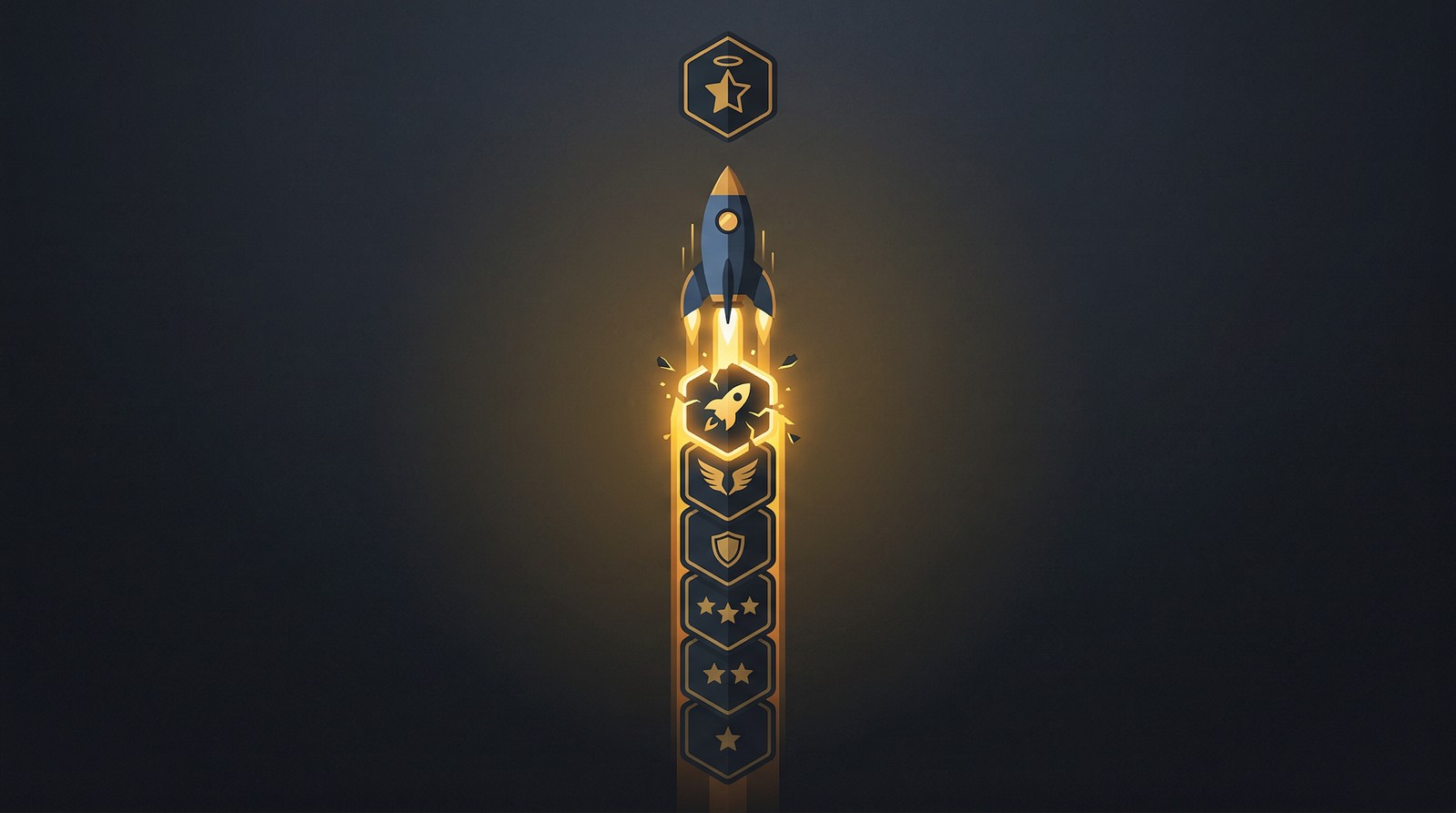
New Amazon Merch accounts start at Tier 10 - you can have 10 live designs at any time. This feels restrictive, and it is. The tier system is Amazon's quality gate to prevent low-effort spam.
How Tiers Work
| Tier | Live Designs Allowed | Sales to Tier Up |
|---|---|---|
| 10 | 10 | ~10 sales |
| 25 | 25 | ~25 sales |
| 100 | 100 | ~100 sales |
| 500 | 500 | ~500 sales |
| 1,000 | 1,000 | ~1,000 sales |
| 2,000 | 2,000 | ~2,000 sales |
| 4,000 | 4,000 | Varies |
| 8,000+ | 8,000+ | Varies |
The general rule: Sell as many designs as your tier allows, and Amazon bumps you up. Sell 10 designs at Tier 10, get promoted to Tier 25. The timing isn't instant - tier-ups happen in batches and can take days to weeks after hitting the sales threshold.
Tier-Up Strategy (Get to Tier 100 Fast)
Tier 100 is the first tier where print on demand starts feeling like a real business. Here's how to get there quickly:
- Fill all 10 slots immediately. Don't wait for "perfect" designs. Upload 10 solid, keyword-researched designs on day one.
- Price low initially. Set shirts at $13.99-15.99 to generate sales velocity. Margins are thin, but speed matters more at Tier 10.
- Target low-competition niches. Don't go after "funny t-shirts." Target specific micro-niches like "occupational therapy humor" or "beekeeping dad."
- Use keyword research for every listing. Your title, bullet points, and description determine whether Amazon shows your shirt to buyers.
- Replace non-performers. If a design hasn't sold in 30 days, delete it and upload something new with better keyword targeting.
For detailed tier-up tactics, read our complete guide on moving up Amazon Merch tiers.
Account Safety: The Rules That Matter
Amazon Merch account terminations are permanent and non-negotiable. Losing your Merch account means losing every listing, every review, every sale - forever. Take these rules seriously.
The Non-Negotiable Rules
- No trademark infringement. Don't use trademarked phrases, brand names, sports teams, or celebrity names. Use a trademark checker for every design before uploading.
- One account per person. Operating multiple accounts results in termination of ALL accounts.
- Original content only. Don't upload designs you didn't create or don't have commercial rights to.
- No misleading content. Your designs must match your listing descriptions.
- No offensive content. Amazon's content policy is strict and subjective.
Common Mistakes That Get Accounts Suspended
- Using phrases that seem generic but are actually trademarked ("Blessed," certain holiday phrases)
- Uploading AI-generated designs that accidentally include brand logos or recognizable IP
- Buying "ready-made" design packs that contain trademarked content
- Creating designs too similar to existing bestsellers (Amazon's algorithm flags these)
Read our detailed guide on avoiding trademark infringement on Amazon Merch.
Protect Your Amazon Merch Account While Scaling
Merch Titans' trademark checker and keyword research tools help you create safe, optimized listings that sell without risking your account.
Get Started Today →14-day money-back guarantee · Used by 150,000+ sellers since 2018
Optimizing Your Amazon Merch Account for Maximum Revenue
Once you're approved, the real work begins. Here's what separates accounts earning $100/month from those earning $5,000+/month:
Listing Optimization Is Everything
Your design could be amazing, but if nobody finds it, nobody buys it. Amazon Merch SEO follows the same principles as regular Amazon SEO - your title, bullet points, and description are the keywords Amazon uses to match your product with buyer searches.
- Title: Include your primary keyword naturally. "Funny Beekeeping Dad Shirt - Beekeeper Gift T-Shirt" beats "Cool Design #47."
- Bullet points: Use secondary keywords and describe the design, occasion, and recipient.
- Description: Expand on use cases and gift-giving occasions with natural keyword variations.
Use Amazon keyword research tools to find what buyers actually search for. Don't guess.
Product Type Diversification
T-shirts are the default, but Amazon Merch offers multiple product types including:
- Standard t-shirts (your bread and butter)
- Premium t-shirts (higher royalties)
- Hoodies and sweatshirts (higher price point, better margins)
- Long sleeve shirts
- PopSockets and phone cases
- Tote bags
Upload winning designs across all available product types. A design that sells 5 shirts/month might sell an additional 2 hoodies and 1 PopSocket - that's nearly doubling your revenue from a single design.
Multi-Platform Distribution
Your Amazon Merch designs shouldn't live on Amazon alone. The same designs can be listed on Etsy, Redbubble, TeePublic, and MyDesigns to multiply your revenue without creating additional content.
Merch Titans makes cross-platform listing manageable with bulk upload tools and multi-marketplace support. Without automation, managing listings across 5+ platforms becomes a full-time administrative job.
The Contrarian Take: Don't Wait for Amazon Merch Approval
Here's what most Amazon Merch guides won't tell you: waiting for approval is wasted time.
While your application processes for 2-12 weeks, you should be:
- Building a catalog on Etsy (instant approval)
- Uploading to Redbubble (instant approval)
- Creating designs on TeePublic (instant approval)
- Selling digital designs on MyDesigns
When your Amazon Merch account finally gets approved, you'll already have a tested catalog of designs with sales data. You'll know which niches work and which don't. Upload your proven winners to Amazon first, and your Tier 10 sales come faster.
The sellers who tier up fastest aren't starting from zero on Amazon. They're importing winners from other platforms.
Getting Started: Your First Week Action Plan
- Day 1: Apply at merch.amazon.com with a strong, specific business description
- Day 1-2: While waiting, create accounts on Etsy, Redbubble, and TeePublic
- Day 2-3: Use keyword research to identify 10 specific niches
- Day 3-7: Create and upload your first 20 designs to the instant-approval platforms
- Ongoing: Track what sells, iterate on winning niches, and prepare your top 10 for Amazon Merch when approved
Merch Titans Automation
Scale Your Amazon Merch Account 10x Faster
Merch Titans automates keyword research, listing optimization, and bulk uploads across Amazon Merch and every other POD platform.
14-day money-back guarantee · No contracts · Cancel anytime
Your Amazon Merch account is one of the most valuable assets you'll build in print on demand. Protect it, optimize it, and use it as the anchor of a multi-platform POD business. The sellers earning $10,000+/month didn't get there by accident - they got there by treating every listing as a keyword-optimized, research-backed business decision.
Start that application today. Your future self will thank your past self for not waiting another week.
Frequently Asked Questions
How long does it take to get approved for Amazon Merch on Demand?
Amazon Merch on Demand approval typically takes 2-12 weeks, with most applicants hearing back within 4-6 weeks. Approval times vary based on application volume and the quality of your submission.
Is Amazon Merch on Demand free to join?
Amazon Merch on Demand is completely free to join with no monthly fees, listing fees, or upfront costs. Amazon takes a percentage of each sale and pays you a royalty on the remainder.
Why was my Amazon Merch application rejected?
Common Amazon Merch rejection reasons include incomplete tax information, a vague or generic business description, providing a personal email instead of a business-associated one, and applying during periods of high demand when Amazon limits new accounts.
Can you have multiple Amazon Merch accounts?
Amazon strictly prohibits multiple Merch on Demand accounts per individual. Operating more than one account results in permanent termination of all accounts with no appeal process.
How do Amazon Merch tiers work?
Amazon Merch tiers start at Tier 10 (10 live designs maximum) and increase to Tier 25, 100, 500, 1000, 2000, 4000, 8000, and beyond as you make sales at each level. You tier up by selling at least as many designs as your current tier allows.