Most POD sellers are losing sales before a customer even reads the listing. The reason? Bad mockups.
A flat design file slapped on a blank white t-shirt template signals "amateur" to every shopper scrolling past. Meanwhile, sellers with lifestyle mockups showing their designs on real-looking models in interesting settings are capturing those clicks.
The good news: you don't need Photoshop, a photography studio, or a paid subscription to create mockups that convert. Free tools have gotten remarkably good.
Here are the ten best free t-shirt mockup generators in 2026, ranked by what actually matters for POD sellers: quality, speed, and scalability.
Why Your Mockup Matters More Than Your Design
This sounds backwards, but we have seen it play out thousands of times. A mediocre design on a great mockup outsells a great design on a mediocre mockup.
Why? Because shoppers on Amazon, Etsy, and Redbubble are scrolling fast. They see the thumbnail first. The mockup IS the first impression.
What converts:
- Lifestyle mockups with models wearing the shirt
- Clean, well-lit scenes with natural shadows
- Multiple angles (front, back, detail shots)
- Context that matches the target buyer (fitness, humor, professional)
What doesn't convert:
- Flat design on a blank template
- Oversaturated or unrealistic colors
- Low-resolution or pixelated images
- Generic stock photo backgrounds
1. Canva Mockup Generator — Best All-Around Free Option
Price: Free (paid plans start at $12.99/mo) Best for: Individual sellers who want variety and ease of use
Canva's mockup generator is the most versatile free option available. You get access to hundreds of t-shirt templates across multiple styles - crew neck, v-neck, tank tops, hoodies, and more.
What makes it stand out:
- Drag-and-drop design placement
- Realistic shadow and fold rendering
- Lifestyle templates with models
- Bulk generation (paid plan only)
- Direct integration with Canva's design tools
The free plan limits you to fewer templates, but there are enough quality options to get started. For sellers producing designs with Canva, keeping the entire workflow in one tool saves significant time.
Canva Limitations
- Free plan has limited mockup templates
- No API for automation at scale
- Lifestyle mockups sometimes look staged
- Color accuracy can vary between templates
2. Printful Mockup Generator — Best for Printful Sellers
Price: Completely free Best for: Sellers using Printful for fulfillment
If you're already using Printful, their built-in mockup generator is the obvious choice. It generates mockups that exactly match the products you're selling, which eliminates any discrepancy between what customers see and what they receive.
Key strengths:
- Exact product color and style matching
- Multiple angles per product
- Lifestyle and flat-lay options
- Free for all users (no Printful plan needed)
- API available for bulk generation
The Printful vs Printify comparison extends to mockup tools too. Printful's are more polished and consistent.
3. Placeit by Envato — Best Lifestyle Mockups
Price: Free limited access (full access $14.95/mo) Best for: Sellers prioritizing lifestyle photography quality
Placeit has the best lifestyle mockup library in the POD space. Real models, real locations, and natural lighting that makes products look premium.
Why sellers love it:
- 50,000+ mockup templates
- Video mockups for social media ads
- Real photography (not 3D renders)
- New templates added weekly
The free tier is limited to a few templates with watermarks. But even a single month of the paid plan lets you download unlimited mockups to use indefinitely.
Want to do this yourself? Merch Titans automates the entire process.
4. Recraft.ai — Best AI-Powered Mockup Generator
Price: Free tier available Best for: Sellers who want unique, photorealistic scenes
Recraft is the new player that's changing the game. Instead of templated mockups, it uses AI to generate completely unique photorealistic scenes with your design placed on a t-shirt.
What makes it different:
- AI-generated lifestyle scenes (no repeated templates)
- Photorealistic quality
- Custom scene descriptions ("person hiking in mountains wearing shirt")
- Multiple styles and aesthetics
The results can be stunning, but they're less predictable than template-based tools. Sometimes the AI nails it. Sometimes you need three or four generations to get something usable.
When AI Mockups Make Sense
- Hero images for high-value listings
- Social media marketing content
- Ad creatives that need to stand out
- Niche-specific lifestyle scenes (fishing, yoga, gaming)
When Traditional Templates Win
- Batch processing hundreds of designs
- Consistency across a product line
- Quick turnaround for Amazon Merch uploads
- Predictable output quality
5. Smartmockups — Best for Batch Processing
Price: Free tier (10 mockups/mo) Best for: Sellers who need consistent output across many designs
Smartmockups (now part of Canva) specializes in speed and consistency. Upload your design, pick a template, and get a high-resolution mockup in seconds.
Strengths:
- Fast processing
- Consistent quality across templates
- Simple interface with zero learning curve
- Multiple product types beyond t-shirts
The limitation is the free tier cap at 10 mockups per month. For sellers pushing volume, the paid plan or an alternative is necessary.
6. MockupMark — Best for Etsy Sellers
Price: Free tier available Best for: Etsy sellers who need matching aesthetic across listings
MockupMark offers curated mockup scenes designed to match popular Etsy aesthetics - boho, minimalist, lifestyle, and seasonal themes.
Why Etsy sellers prefer it:
- Templates match Etsy buyer expectations
- Seasonal mockup collections
- Consistent brand feel across listings
- Easy batch creation
For sellers optimizing their Etsy SEO, consistent mockup quality across all listings signals professionalism to both buyers and the Etsy algorithm.
7. Printify Mockup Generator — Best for Printify Sellers
Price: Free with Printify account Best for: Printify users who want mockups matching their exact products
Similar to Printful's tool, Printify's mockup generator creates product images that match the specific print provider and product you've selected. This is critical for accurate customer expectations.
8. Adobe Express — Best for Design-Savvy Sellers
Price: Free tier available Best for: Sellers already in the Adobe ecosystem
Adobe Express (formerly Adobe Spark) offers mockup capabilities alongside its broader design toolkit. The integration with Adobe's color tools and font library makes it powerful for sellers who want design control.
9. Artboard Studio — Best for Complex Scenes
Price: Free tier (limited) Best for: Sellers who want elaborate mockup compositions
Artboard Studio lets you build complex mockup scenes with multiple products, custom backgrounds, and layered compositions. Think product flat-lays with accessories, packaging, and branding elements.
10. Kittl — Best for Design-to-Mockup Workflow
Price: Free tier available Best for: Sellers who want to design and mock up in one place
Kittl combines design creation with mockup generation. You can create your t-shirt designs and immediately preview them on mockup templates without switching tools.
Automate Your Listing Workflow Beyond Mockups
Merch Titans handles keyword research, listing optimization, and bulk uploads so you can focus on creating great designs.
Get Started Today →14-day money-back guarantee · Used by 150,000+ sellers since 2018
The Real Problem: Mockups at Scale
Here's what none of these tools solve well: creating 500 mockups for 500 designs efficiently.
Individual sellers pushing a few designs per week can use any tool on this list. But serious POD sellers running hundreds of listings across multiple platforms need a workflow that doesn't require manually uploading each design to a mockup generator.
This is where automation changes the game. Tools like Merch Titans integrate mockup generation into the broader listing workflow. Instead of: design → export → upload to mockup tool → download mockup → upload to marketplace, you get a streamlined pipeline that handles everything from keyword research to publishing.
Mockup Optimization Tips That Actually Move the Needle
1. Use Multiple Mockup Styles Per Listing
Amazon allows up to 9 images. Etsy allows 10. Use them all. Mix lifestyle mockups, flat-lays, detail shots, and size charts. More images = higher conversion.
2. Match the Mockup to the Buyer
Selling a "Best Dad Ever" shirt? Show it on a dad-aged model. Selling a yoga design? Use an active lifestyle mockup. Context converts.
3. Optimize for Mobile
Over 70% of marketplace browsing happens on mobile. Make sure your design is visible in a thumbnail-sized image. If buyers can't read or see the design at 200x200 pixels, your mockup needs rework.
4. Test Mockup Styles Against Each Other
Run the same design with different mockup styles and track which listings convert better. This data is more valuable than any mockup tool recommendation.
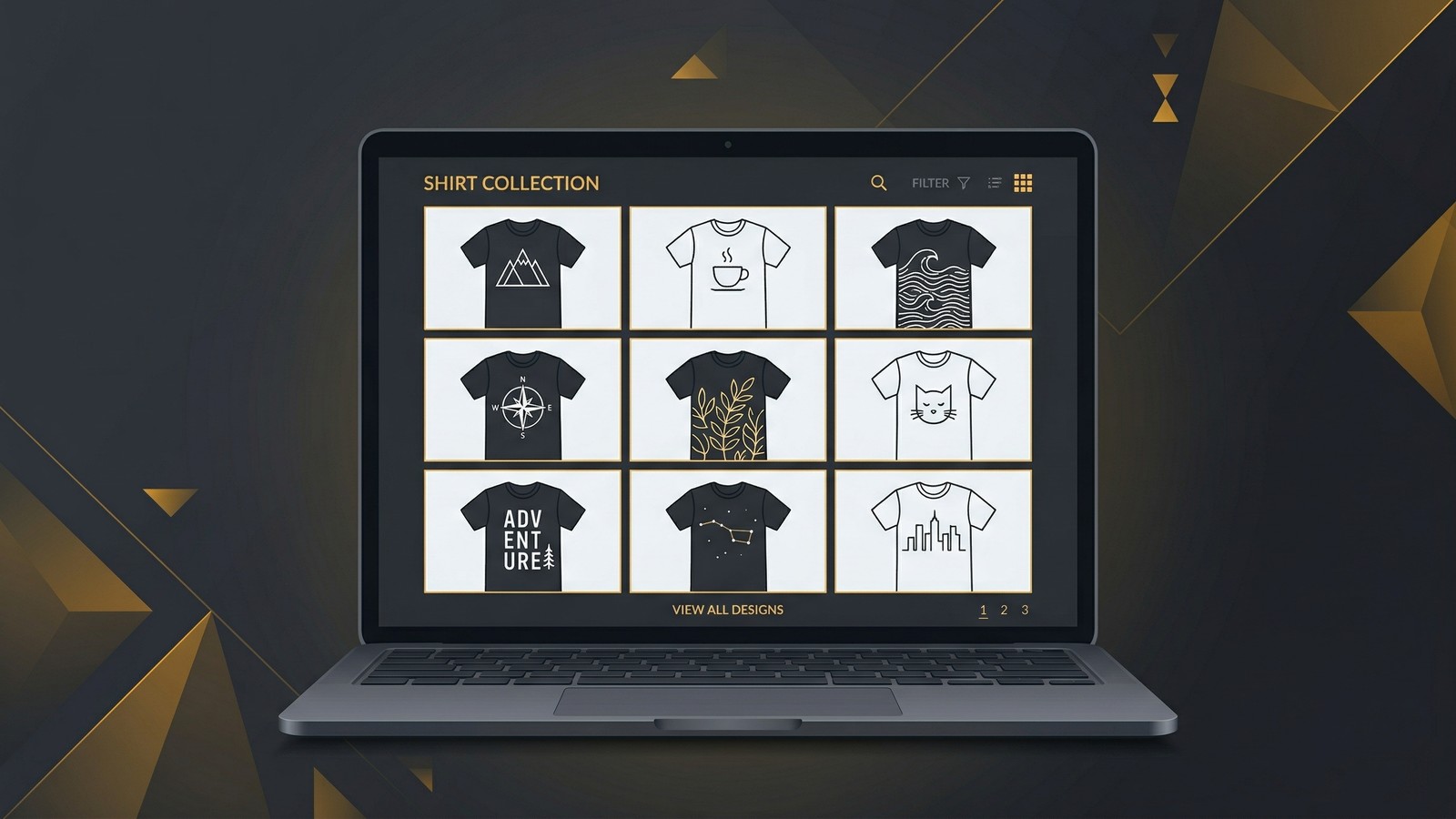
Selling Digital Design Files? Skip Mockups Entirely
If you're selling design templates, graphics packs, or digital products rather than physical shirts, platforms like MyDesigns let you sell directly to buyers without needing mockups at all. Digital product sales have zero fulfillment costs, zero mockup overhead, and the highest margins in the POD ecosystem.
Many successful sellers we've worked with run a hybrid model: physical POD products with mockups for passive income, and digital design sales through MyDesigns for high-margin direct revenue.
The Bottom Line on Free Mockup Tools
Canva is the best all-around free option for most sellers. Printful and Printify generators are essential for product accuracy. Recraft is the future for unique lifestyle scenes.
But the mockup is just one link in the chain. The sellers growing fastest aren't the ones with the prettiest mockups. They're the ones who've automated the entire workflow from niche research to listing optimization to bulk uploads.
Your mockup tool matters. Your workflow matters more.
Merch Titans Automation
From Design to Published Listing in Minutes
Merch Titans automates keyword research, listing creation, and multi-platform publishing. Stop spending hours on manual workflows.
14-day money-back guarantee · No contracts · Cancel anytime
Which mockup generator are you using right now? And more importantly, how much time are you spending on mockups that could go toward creating the next best-selling design?
Frequently Asked Questions
What is the best free t-shirt mockup generator?
Canva's mockup generator is the best all-around free option for most POD sellers. It offers realistic lifestyle mockups, easy customization, and direct integration with popular design workflows. For AI-powered mockups, Recraft.ai generates photorealistic results.
Do I need Photoshop to make t-shirt mockups?
No. Free online mockup generators like Canva, Placeit, and Printful's mockup tool let you create professional mockups by simply uploading your design. No Photoshop or design skills required.
What mockup size should I use for Amazon Merch?
Amazon Merch product images should be at least 1500 x 1800 pixels for optimal display. Most mockup generators output at this resolution or higher. Always download the highest quality version available.
Are AI mockup generators better than traditional ones?
AI mockup generators create more realistic and unique lifestyle scenes, but traditional template-based generators offer more consistency and predictability. For POD sellers running hundreds of designs, traditional generators are faster and more reliable at scale.
Can I use free mockups commercially?
Most free mockup generators allow commercial use of the generated images. However, always check the terms of service. Canva, Printful, and Placeit all permit commercial use of mockups created on their platforms.